
MacroView DMF/Message 8.9.349 and later have added a feature where the Outlook navigation pane can be customised.

Mode Selection
Right click on the mode selection to access the options window
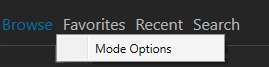
The user can select what modes will be displayed in Outlook
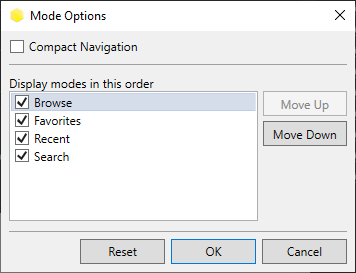
Compact Navigation disabled

Compact Navigation enabled

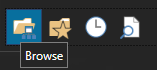
Hover to see the mode label
Configuration files
Mode can be also be set by a configuration file
Syntax
{
"Modes": [
"Browse",
"Favorites",
"Modes": [
"Browse",
"Favorites",
"Search",
"Recents"
],
"UseCompactNavigation": true
}
"Recents"
],
"UseCompactNavigation": true
}
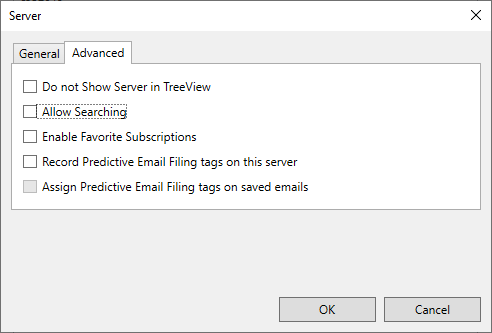
To disable search
Untick 'Allow Searching' per server to disable search mode
See below for more details on how to use configuration files